ESP32 SD card speed - why it stops at 20 MHz
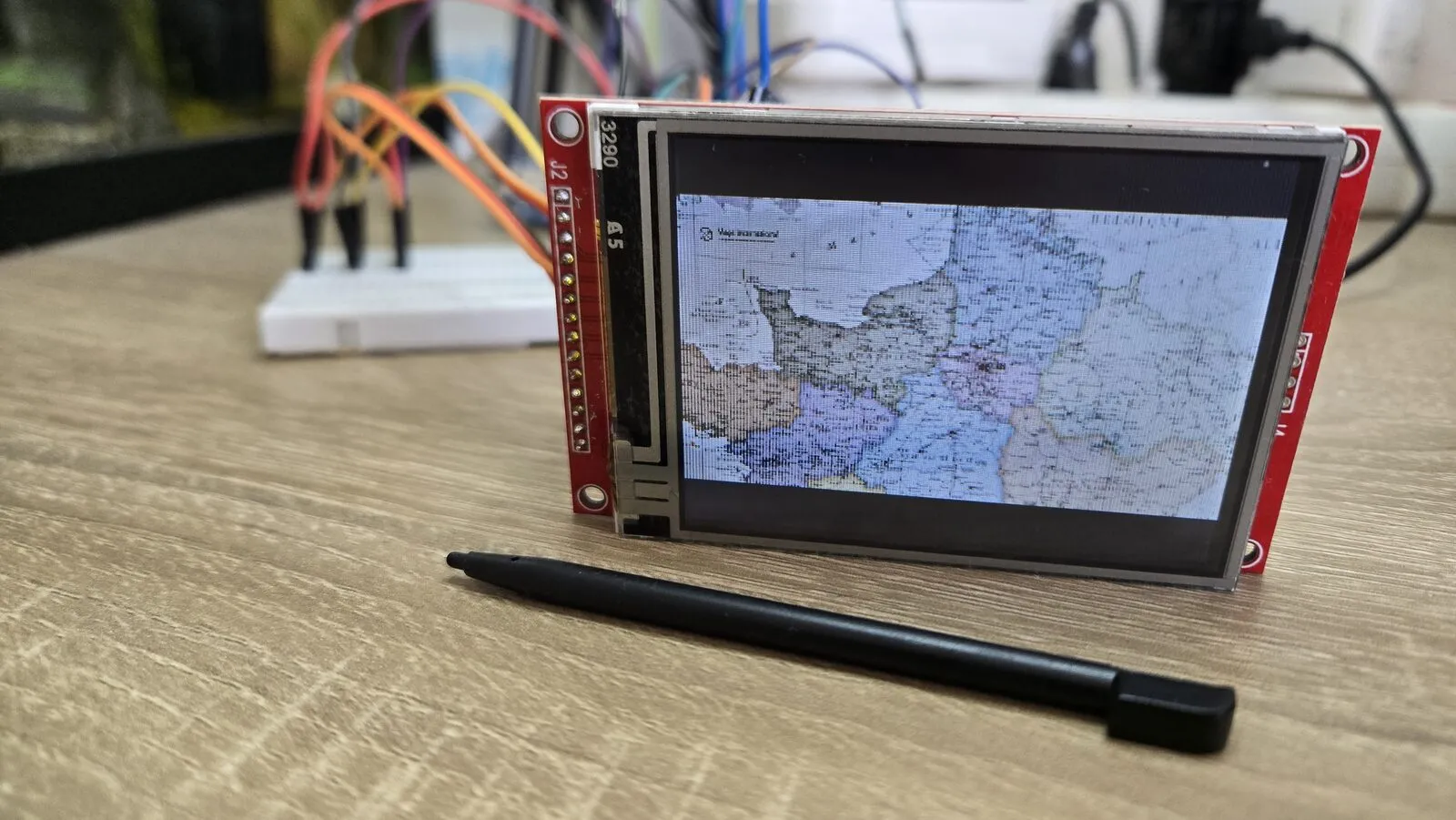
My ESP32 photo viewer reads every photo from an SD card, so I wanted to know how fast the card really is. Most pages quote the SD card’s rating or the SPI clock. I measured what an ESP32 actually gets with the Arduino SD library, and found two limits that aren’t obvious.
The setup
- ESP32 DOIT DevKit V1 (ESP32-WROOM-32), Arduino core for ESP32 3.3.
- An SD card module on its own SPI bus (HSPI). SCK 14, MOSI 13, MISO 27, CS 15, with jumper wires on a breadboard.
- The Arduino
SDlibrary, FAT32 card.
Limit 1 - you can’t get 25 MHz
SD cards in SPI mode are rated up to 25 MHz, so that’s what I asked for.
SD.begin(PIN_SD_CS, sdSpi, 25000000);
The bus runs at 20 MHz. Two things meet here.
- The SD library caps the clock at 25 MHz. In the core’s
sd_diskio.cppa comment calls it the “SD spec maximum for non-UHS cards”. - The ESP32 makes its SPI clock by dividing its 80 MHz bus clock by a whole number. The choices near the top are 80 / 2 = 40 MHz, 80 / 3 = 26.7 MHz and 80 / 4 = 20 MHz. 26.7 is over the cap, so the next one down is 20 MHz.
So with this library, 20 MHz is the real maximum. The raw bus speed is then 20 MHz / 8 = 2.5 MB/s.
The measurements
I wrote 512 KB to the card, read it back and checked every byte. Only the time inside the file functions counts, not the time spent making test data.
uint32_t t0 = micros();
size_t n = f.write(buf, chunk);    // same for f.read(buf, chunk)
busy += micros() - t0;
Results at 20 MHz.
| Chunk size | Write | Read |
|---|---|---|
| 4 KB | 1.3 MB/s | 1.37 MB/s |
| 16 KB | 1.7 MB/s | 1.37 MB/s |
| 32 KB | 1.7 MB/s | 1.37 MB/s |
Limit 2 - bigger reads don’t help
Writes get faster with bigger chunks, up to about 16 KB. Reads stay at 1.37 MB/s, whatever the chunk size. That’s 55% of the 2.5 MB/s the bus could carry.
The reason is in how the SD library reads. It moves each 512-byte sector with the CPU, without DMA, and waits for the card between sectors. A bigger chunk only means more sectors in a row, each with the same wait. The bus sits idle during those waits.
Two more things I saw.
- Writes sometimes pause for 10 to 250 ms. That’s the card erasing internally. For logging, keep data in a buffer so a pause doesn’t lose anything.
- On my 4 GB SDHC card, files copied from the PC read slower (about 0.75–0.8 MB/s) than a file the ESP32 had just written (1.37 MB/s). That comes from inside the card, not the ESP32. A faster card (rated A1 or U3) may behave better.
How to go faster
- Write in chunks of 16 KB or more. It’s free and gives about 30% more write speed than 4 KB.
- Use ESP-IDF’s SD-over-SPI driver instead of the Arduino one. It can use DMA, so it should get closer to the 2.5 MB/s limit. I haven’t measured it yet.
- Use the SD card’s own 4-bit bus (SDMMC) instead of SPI. The ESP32 has hardware for it, and it’s much faster. But its fixed pins include GPIO2 and GPIO12, which are strapping pins. GPIO12 in particular can stop the board from booting, as I explain in ESP32 won’t boot with an SD card on GPIO12.
A note on wiring
This was a weekend project on a breadboard, with jumper wires. They didn’t limit the numbers above. The bus already ran at the library’s maximum of 20 MHz, and every byte read back correctly.
They will limit you if you push further. The SDMMC bus runs at 20–40 MHz on six lines at once, and that’s where long loose wires cause errors. I saw the same thing with the display of this project. At 80 MHz SPI it showed cut lines on my breadboard, so I stayed at 40 MHz.
So if you build a real PCB to go faster, a few simple things help more than anything else.
- Short traces, a few centimetres, over a solid ground plane.
- A small series resistor (about 22–33 Ω) near the ESP32 on the clock and data lines, to damp ringing.
- 10 kΩ pull-ups on the card’s command and data lines, and a decoupling capacitor right next to the card.
Controlled impedance isn’t needed at these speeds. It matters for much faster signals or much longer traces.
Card format
The Arduino SD library reads FAT32 (and FAT16). Cards over 32 GB usually come formatted as exFAT, which it doesn’t support out of the box. Reformat them as FAT32 before use.