A touch-screen photo viewer on ESP32
How I built a small photo viewer with an ESP32, a 3.2" touch LCD and an SD card, with a menu, thumbnails and swipe, on a chip without extra memory.
Key specs
| Board | ESP32 DOIT DevKit V1 (ESP32-WROOM-32, no PSRAM) |
|---|---|
| Display | 3.2" TFT, ILI9341, 320 × 240, SPI |
| Touch | XPT2046 resistive, on the same SPI bus as the display |
| Storage | microSD card module, FAT32, on its own SPI bus |
| Libraries | LovyanGFX, JPEGDEC, Arduino SD |
| Build | Arduino core for ESP32 3.3, arduino-cli and a Makefile |
| Screen speed | 34 frames per second, full screen, SPI at 40 MHz |
| SD speed | 1.7 MB/s write, 1.37 MB/s read, SPI at 20 MHz |
Block diagram
Overview
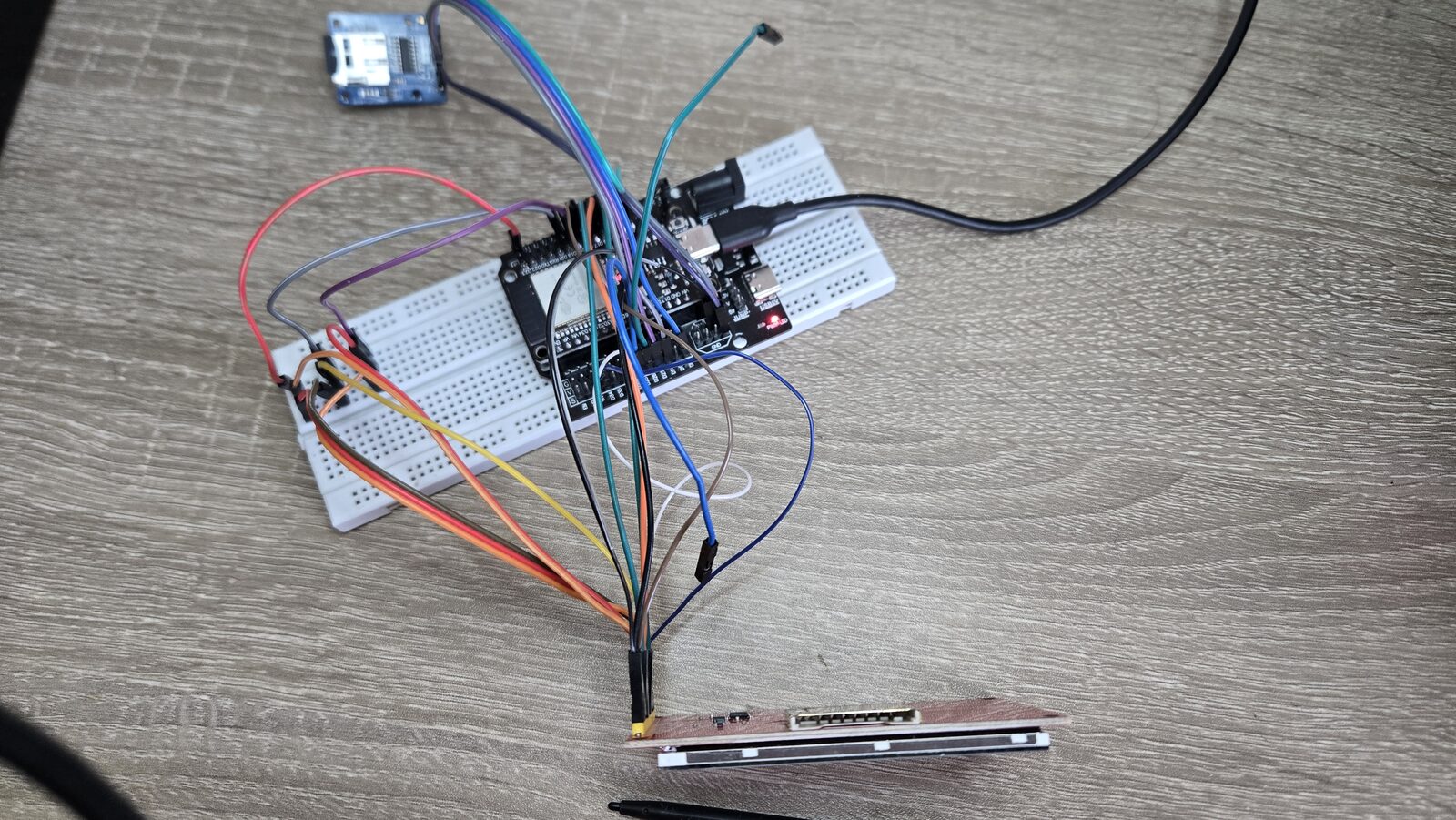
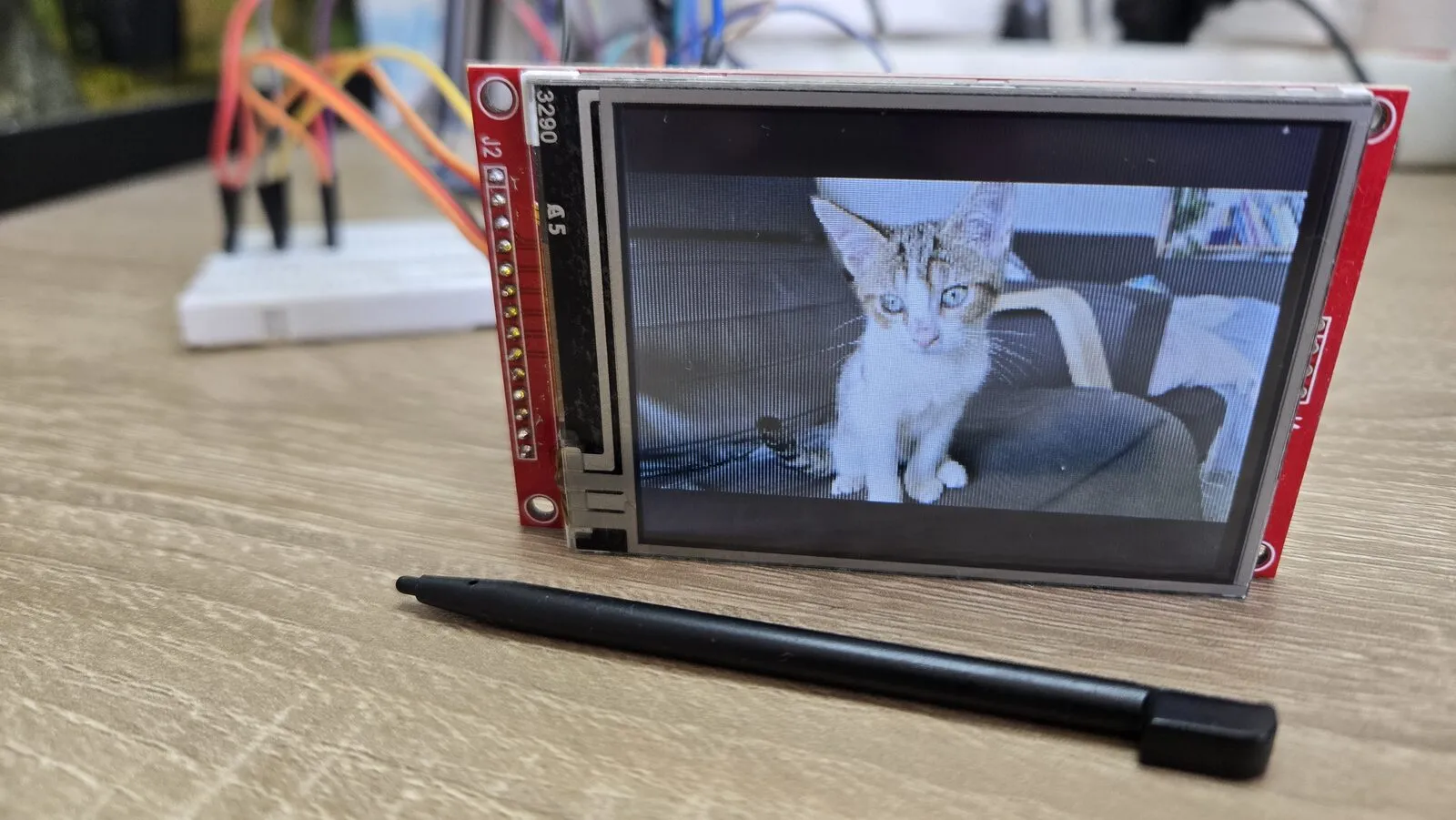
I wanted to see how far I could push an ESP32, a cheap 3.2” touch screen and an SD card together. The result is a small photo viewer. It has a home menu, a page of thumbnails I can swipe through, and a full-screen viewer. Two buttons do the same things as the touch screen.
The ESP32 I used has no extra memory (PSRAM). It has about 520 KB of RAM in total, and much less in one free piece. That limit shaped almost every choice in this project.
The code is written in C++ with the Arduino core for ESP32. You don’t need to read it all to follow the page. Each snippet below is short and shows one idea.
The parts and the wiring
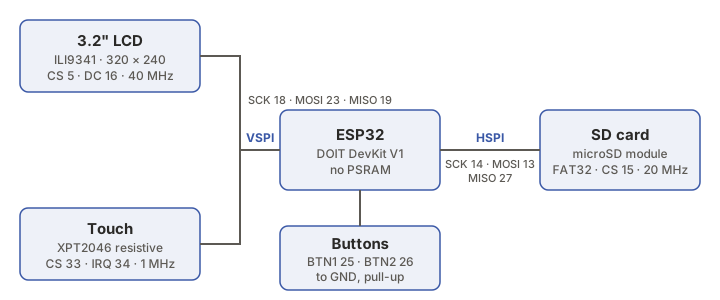
I use three chips. The ILI9341 drives the display, the XPT2046 reads the touch, and the SD card holds the photos. All three speak SPI, a simple bus with a clock wire, a data-out wire and a data-in wire, plus one “chip select” wire per chip.
The ESP32 has two free SPI buses, so I gave each job its own.
| Part | Bus | Pins (GPIO) | Speed |
|---|---|---|---|
| LCD | VSPI | SCK 18, MOSI 23, MISO 19, CS 5, DC 16, RST 17 | 40 MHz |
| Touch | VSPI (shared) | CS 33, IRQ 34 | 1 MHz |
| SD card | HSPI | SCK 14, MOSI 13, MISO 27, CS 15 | 20 MHz |
| Buttons | - | 25 and 26, to GND | - |
The LCD and the touch chip share one bus. The SD card is alone on the other one. That way, reading a file never has to wait for the screen, and the screen never waits for the card.
All the pins live in one file, pins.h, so I only change them in one place.
// LCD ILI9341 (VSPI)
#define PIN_LCD_SCLK   18
#define PIN_LCD_MOSI   23
#define PIN_LCD_MISO   19
#define PIN_LCD_CS      5

// SD card (HSPI)
#define PIN_SD_SCLK    14
#define PIN_SD_MOSI    13
#define PIN_SD_MISO    27   // not GPIO12, the board won't boot
#define PIN_SD_CS      15
The comment next to MISO matters. GPIO12 is the usual HSPI MISO pin, but it’s also a “strapping” pin. The ESP32 reads it at power-on to choose the flash voltage. An SD card module pulls that line high, so the chip would pick 1.8 V and not start. That’s why I put MISO on GPIO27 from the start. I explain it in more detail in a blog post.
Building and flashing
I build from the terminal with arduino-cli and a small Makefile, so I don’t need to open the Arduino IDE.
$ make build
$ make flash PORT=/dev/ttyUSB0
Drawing the screen in strips
A full screen is 320 × 240 pixels, with 2 bytes per pixel. That’s 150 KB, more than the ESP32 can give me in one piece. So I never keep a whole frame in memory.
Instead I draw the screen in strips of 24 rows. I use two small buffers of 15 KB each. While the CPU fills one strip, the SPI hardware sends the other one to the screen on its own (that’s DMA). The CPU and the bus work at the same time.
int buf = 0;
for (int y = 0; y < height; y += STRIP_H) {
  fillStrip(strip[buf], y);   // the CPU draws 24 rows
  // waits for the other strip to finish, then sends this one with DMA
  lcd.pushImageDMA(0, y, 320, STRIP_H, strip[buf]);
  buf ^= 1;                   // switch buffers
}
I tested it with a “plasma” animation that changes every pixel on every frame. I measured each part.
- At 40 MHz SPI I get 34 frames per second. The CPU needs 9.4 ms per frame and then waits 17 ms for the bus. The bus is the limit, not the CPU.
- At 80 MHz it ran at 66 frames per second, but lines appeared cut across the screen. My module and jumper wires can’t handle it, so I stayed at 40 MHz.
Showing a photo bigger than the screen
Photos from a camera are often 4000 pixels wide, and the screen is 320. The JPEGDEC library can decode a JPEG at full, ½, ¼ or ⅛ size, which is much faster than decoding everything and shrinking it later. I pick the smallest size that is still big enough.
// largest shrink that still gives at least the size I need
int div = 8;
if (w / 8 < fitW || h / 8 < fitH) div = 4;
if (w / 4 < fitW || h / 4 < fitH) div = 2;
if (w / 2 < fitW || h / 2 < fitH) div = 1;
Then I scale it to the exact size row by row, keeping the shape of the picture. Whatever is left around it becomes black bars. PNG and BMP files go through LovyanGFX, which can fit them by itself.
Thumbnails that load fast
The thumbnail page shows 6 images. Decoding six big JPEGs every time is slow, so the first time I make a thumbnail (96 × 72), I save it to the SD card in a hidden /.thumbs folder. Next time I just read 14 KB of ready pixels.
Each saved thumbnail starts with a small header. It remembers the size and the date of the original photo, so when I replace a photo, its thumbnail is made again.
struct ThumbHeader {
  char     magic[4];   // "THB1"
  uint16_t w, h;
  uint32_t srcSize;    // size and date of the photo
  uint32_t srcTime;    // if one changes, rebuild
};
The SD card
The card starts at 20 MHz. If that fails, for example with long wires, it tries again at 4 MHz.
const uint32_t freqs[] = { 20000000, 4000000 };
for (uint32_t f : freqs) {
  if (SD.begin(PIN_SD_CS, sdSpi, f)) return true;
  SD.end();
}
return false;
Asking for 25 MHz still gives 20 MHz. The ESP32 can only divide its 80 MHz clock into 40, 26.7 or 20 MHz, and the SD library doesn’t go over 25. So 20 MHz is the real maximum with this library.
I wrote a speed test that writes 512 KB, reads it back and checks every byte.
| Block size | Write | Read |
|---|---|---|
| 4 KB | 1.3 MB/s | 1.37 MB/s |
| 16 KB | 1.7 MB/s | 1.37 MB/s |
| 32 KB | 1.7 MB/s | 1.37 MB/s |
Writing in blocks of 16 KB or more is faster. Reading doesn’t change, because the library reads the card 512 bytes at a time without DMA.
One more trap. The card needs a pull-up resistor on MISO, and many modules don’t have one. In ESP32 core 3.x, pinMode() on a pin the SPI bus already uses disconnects it from the bus. So I turn on the pull-up a different way.
gpio_pullup_en((gpio_num_t)PIN_SD_MISO); // not pinMode()
Buttons
Each button goes from a pin to GND, with the ESP32’s internal pull-up. A press makes the pin read LOW. A real button “bounces” for a few milliseconds, so I only accept a new level after it stays the same for 20 ms. A short press is a click, and 0.8 s or more is a long press.
bool raw = digitalRead(pin) == LOW;
if (raw != lastRaw) { lastRaw = raw; changedAt = millis(); }

if (raw != stable && millis() - changedAt >= 20) {
  stable = raw;   // the level held for 20 ms, it's real
  ...
}
BTN1 moves to the next item and BTN2 opens it. Holding BTN2 goes back.
Problems I hit
- White screen, no picture. The backlight was on, but the screen got no commands. It was a loose jumper wire. Reading the ILI9341’s ID over MISO (it should answer
00 93 41) is now my first check. - Touch did nothing. Two touch data wires were crossed. I found it without even pressing the screen. The XPT2046 has a built-in temperature sensor, and a working chip returns a steady value of about 830 at room temperature. Random values meant it wasn’t answering.
- Progressive JPEGs don’t open. JPEGDEC only reads baseline JPEGs, so photos have to be saved that way before they go on the card.
- Big SD cards. Cards over 32 GB usually come as exFAT, which isn’t supported here. They need to be formatted as FAT32.
What I learned
- Memory decides the design. Without PSRAM, a full frame doesn’t fit. Strips, small buffers and allocating memory only while a screen is open made everything possible.
- Measure before guessing. Timing each part showed the SPI bus was the limit, not the CPU. The CPU alone could draw about 100 frames per second.
- Two buses are better than one. Separating the screen and the SD card removed a whole kind of waiting.
- Read about the pins first. Strapping pins, flash pins and input-only pins on the ESP32 can cost hours if you pick them by chance.
- Wiring is half the debugging. My two hardest problems were wires, not code. A small test that reads an ID or a sensor from each chip saves a lot of time.
Next
I tried playing short videos (MJPEG) from the card. It reached about 25 frames per second at 256 × 192, and the card’s reading speed was the limit. I also have pins ready for analog inputs, I2C sensors and another SPI device.
Photos
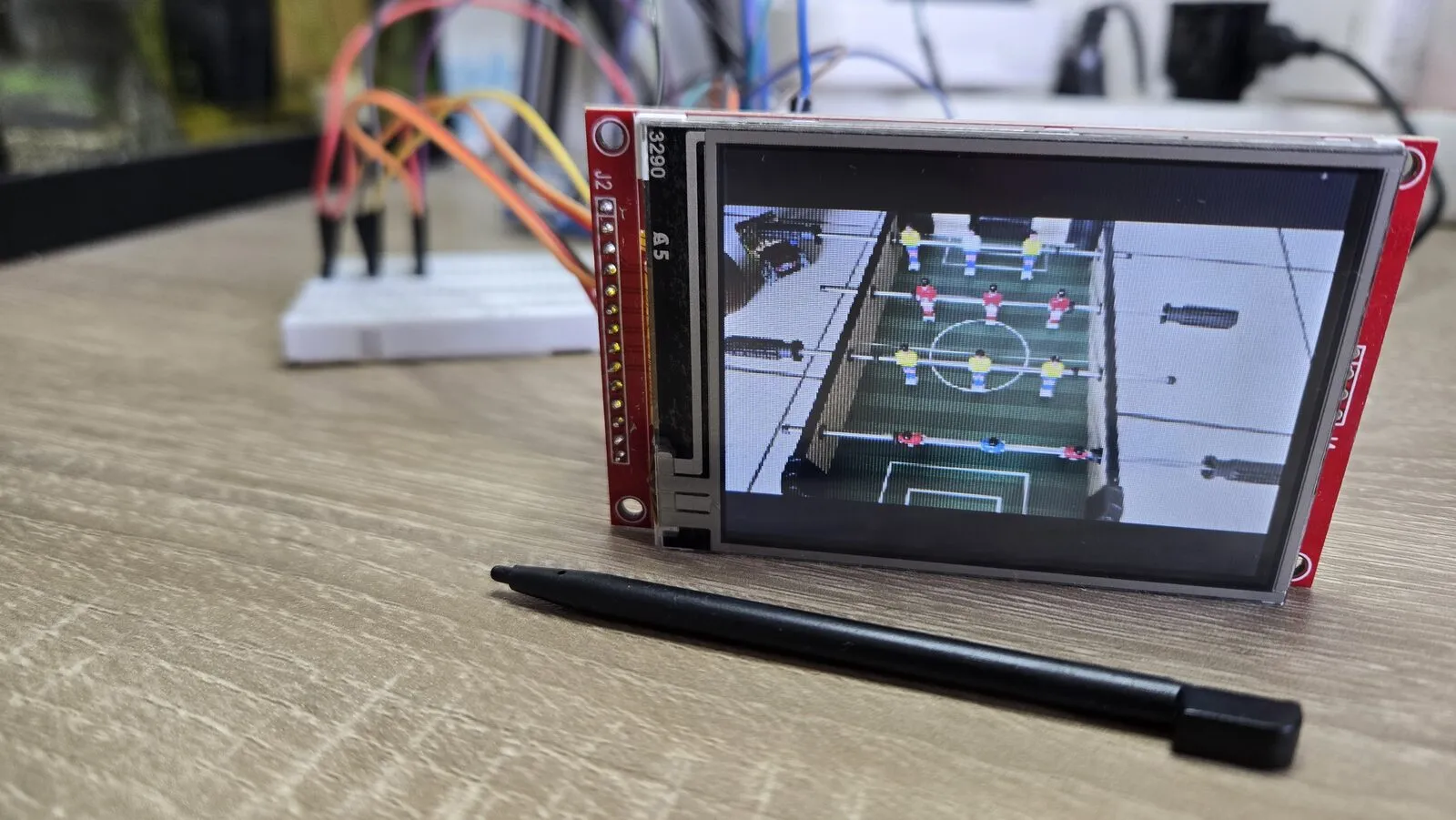
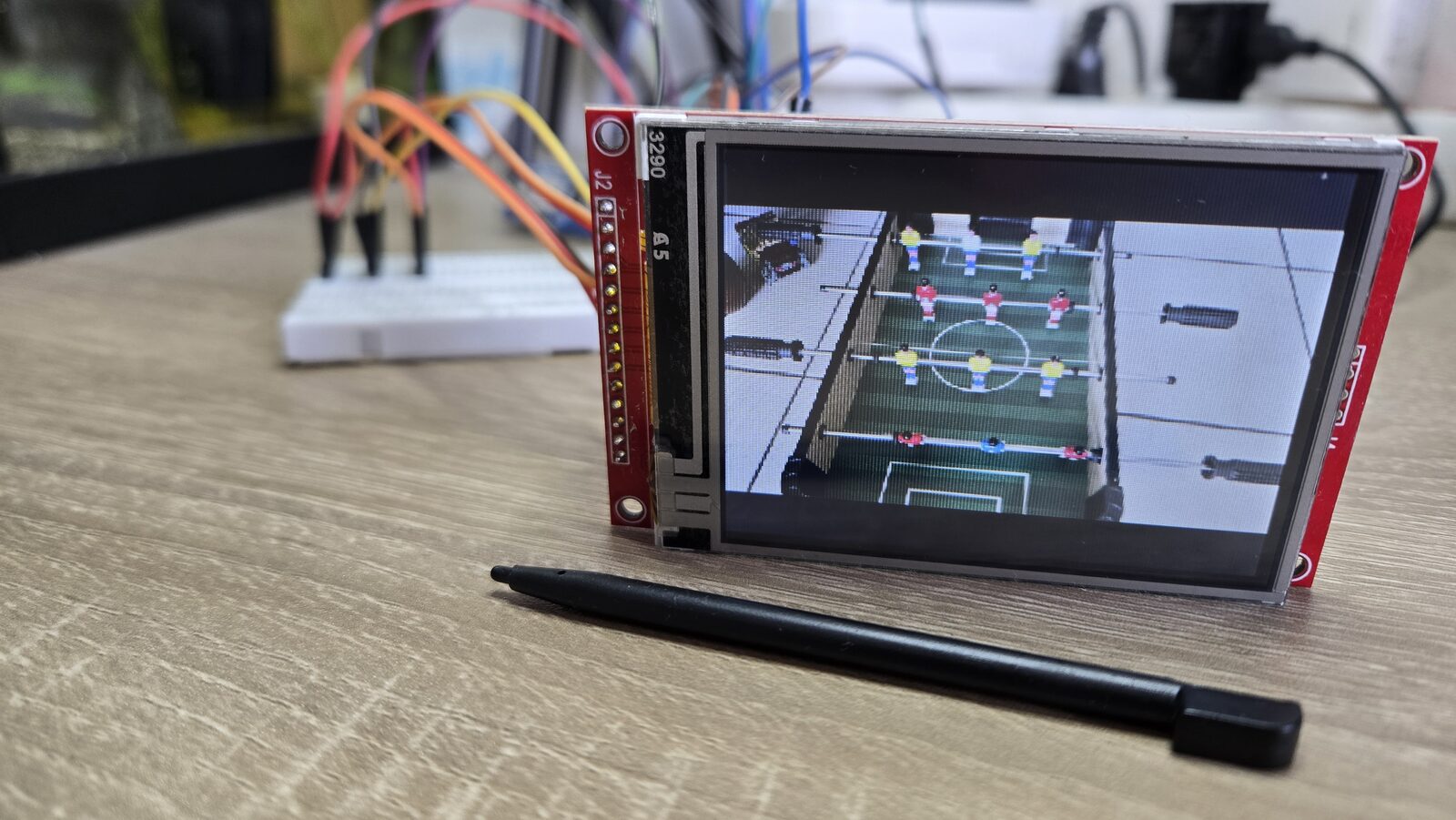
Photos are fitted to the screen, with the shape kept. 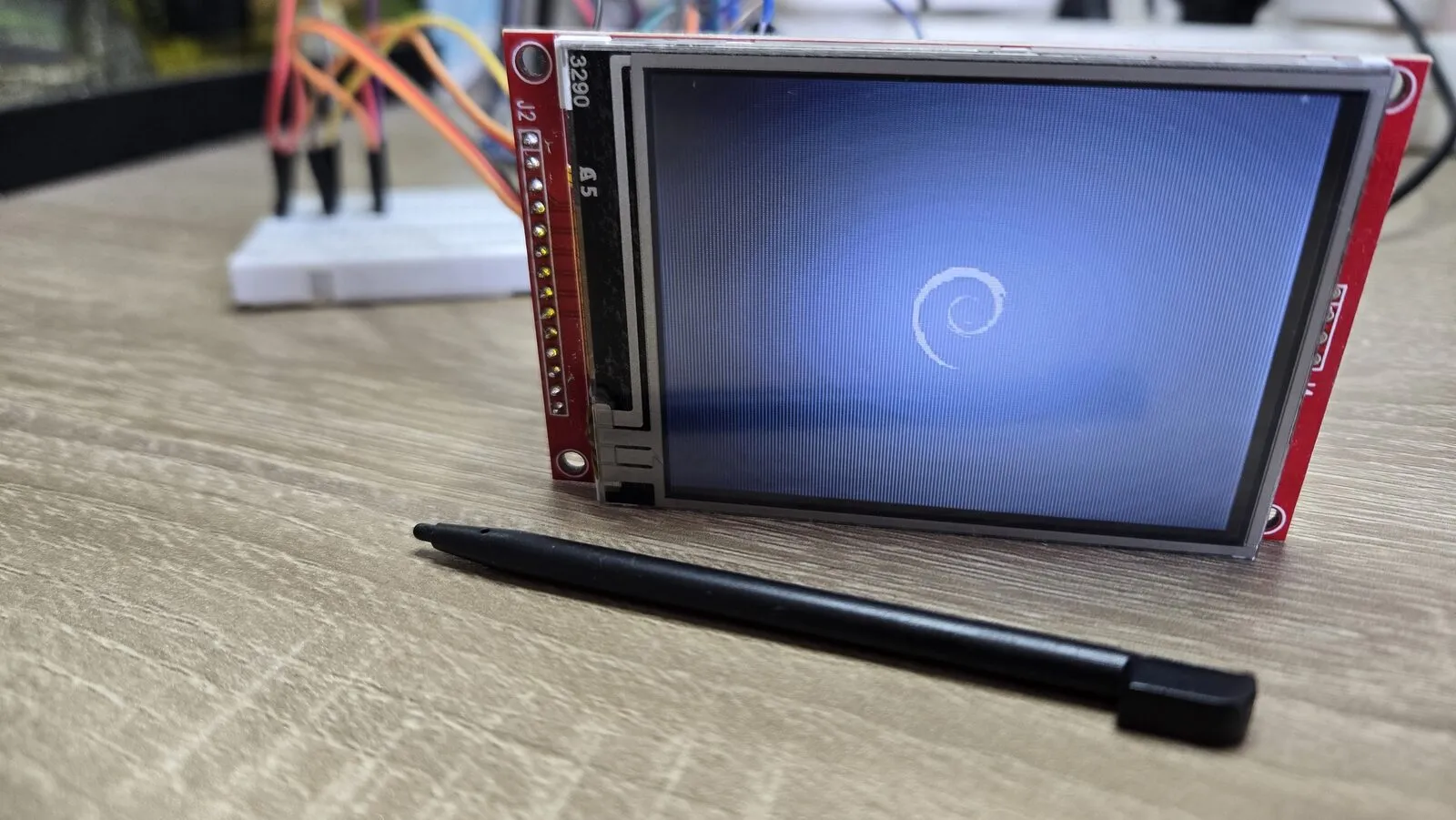
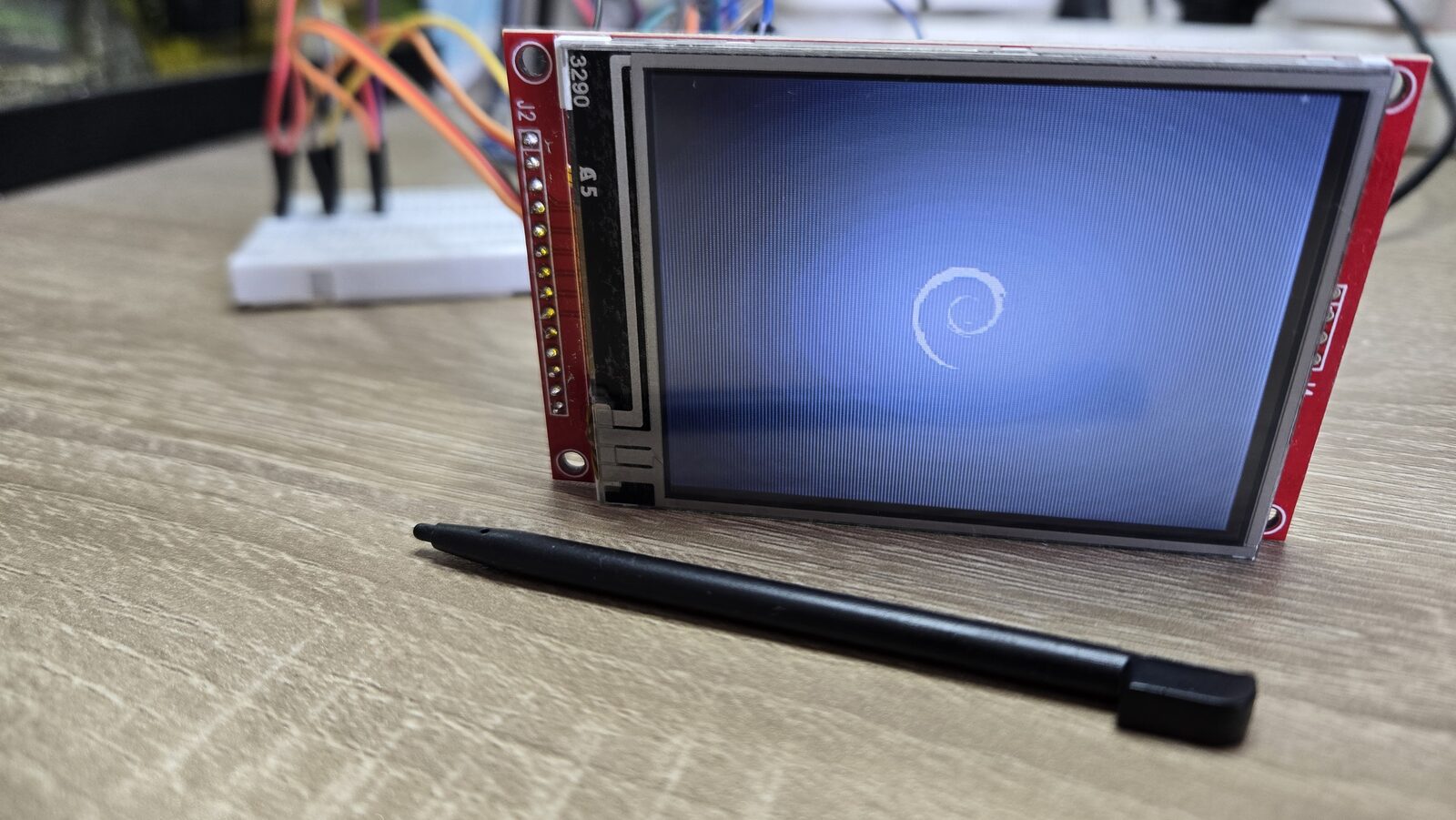
The Debian logo, from a screenshot of my PC. 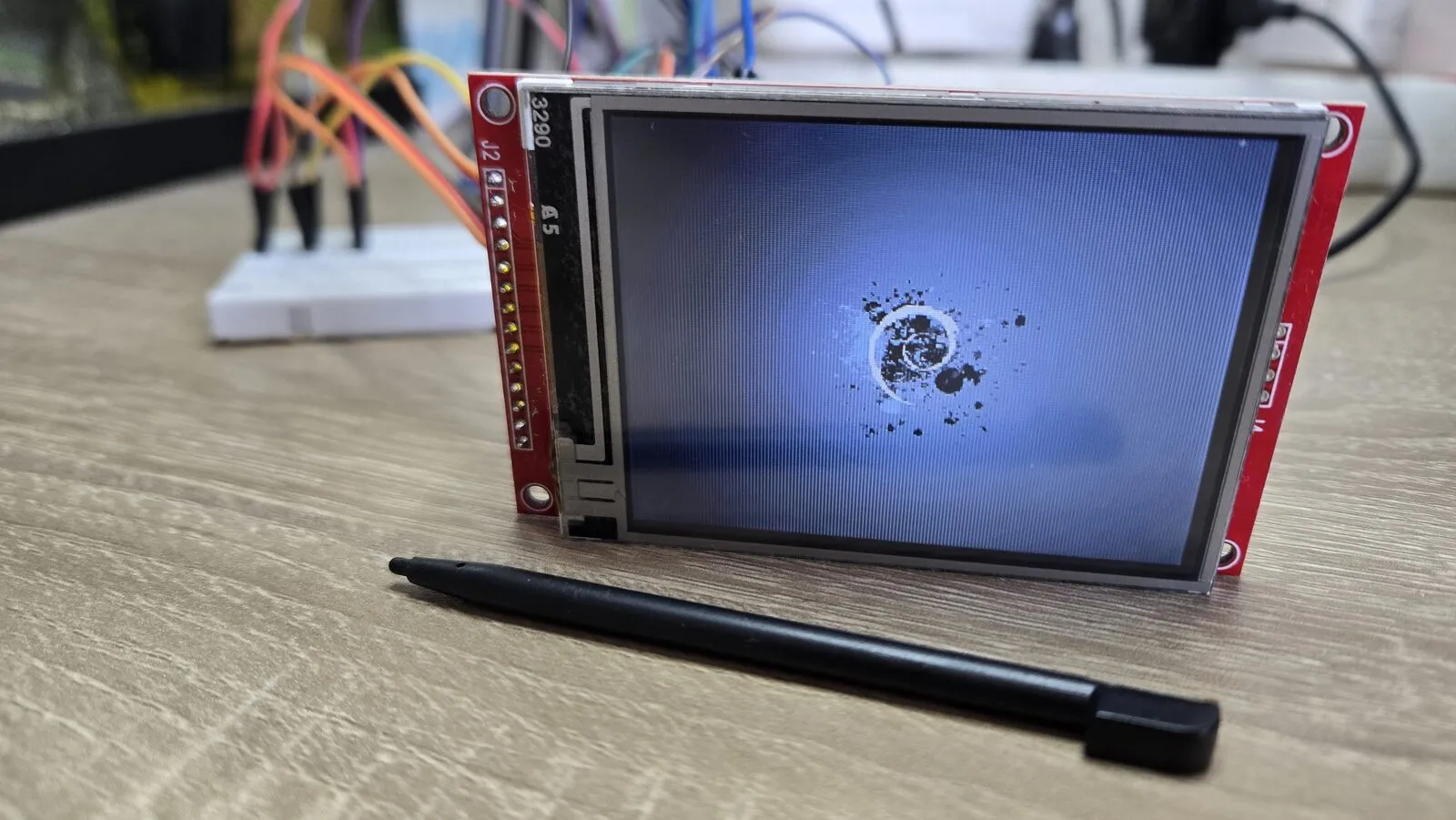
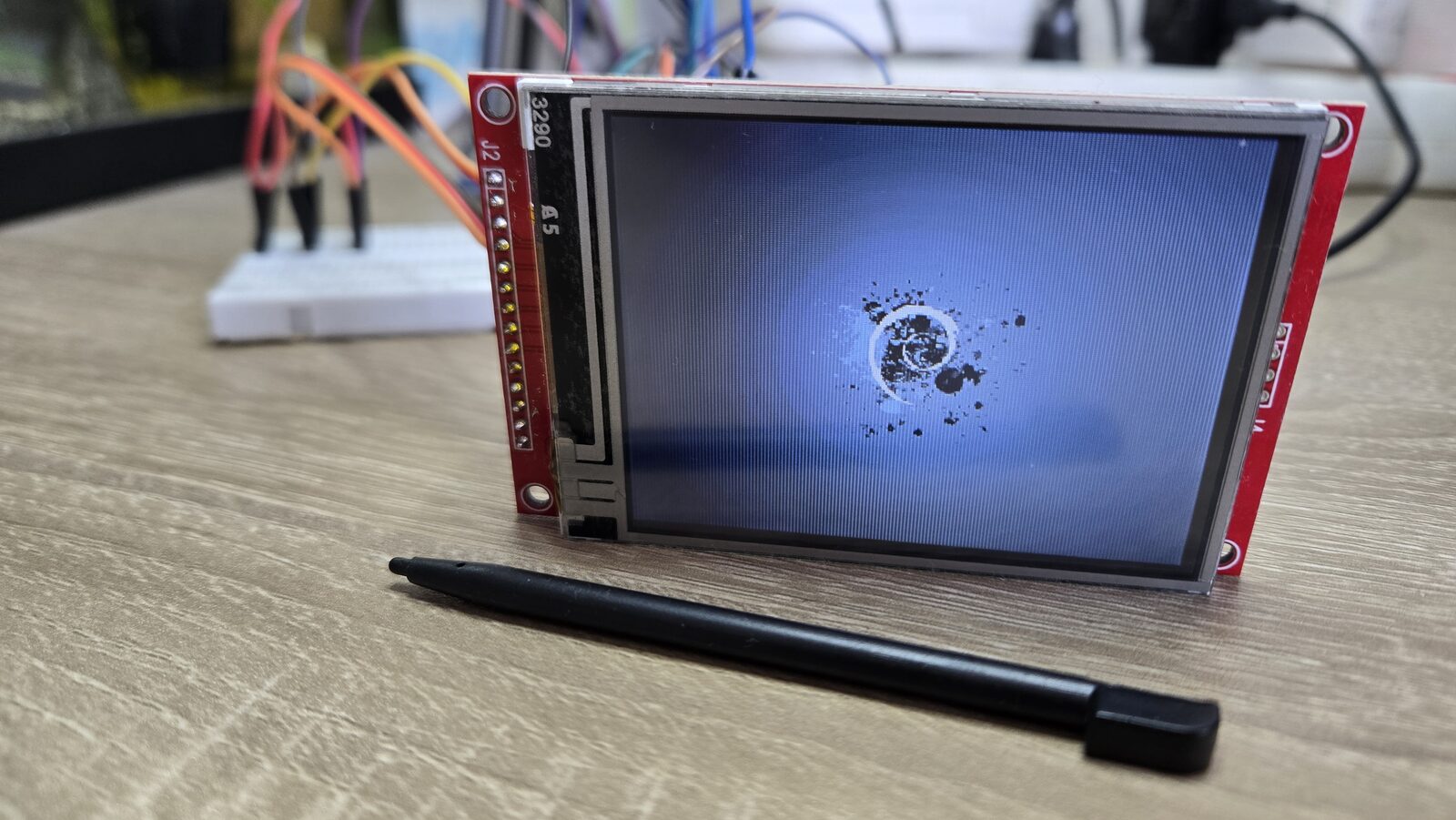
A darker picture with ink splashes. 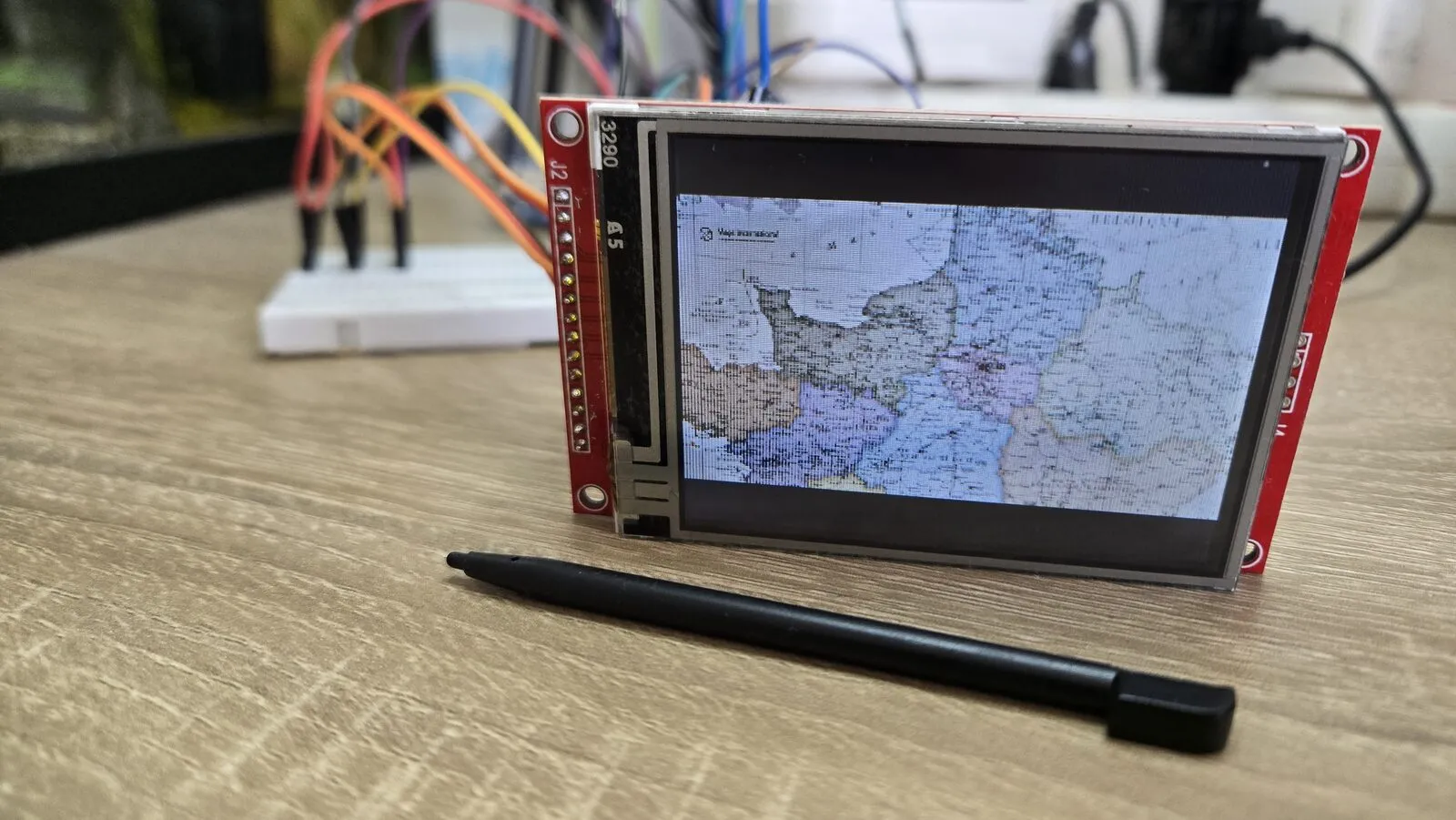
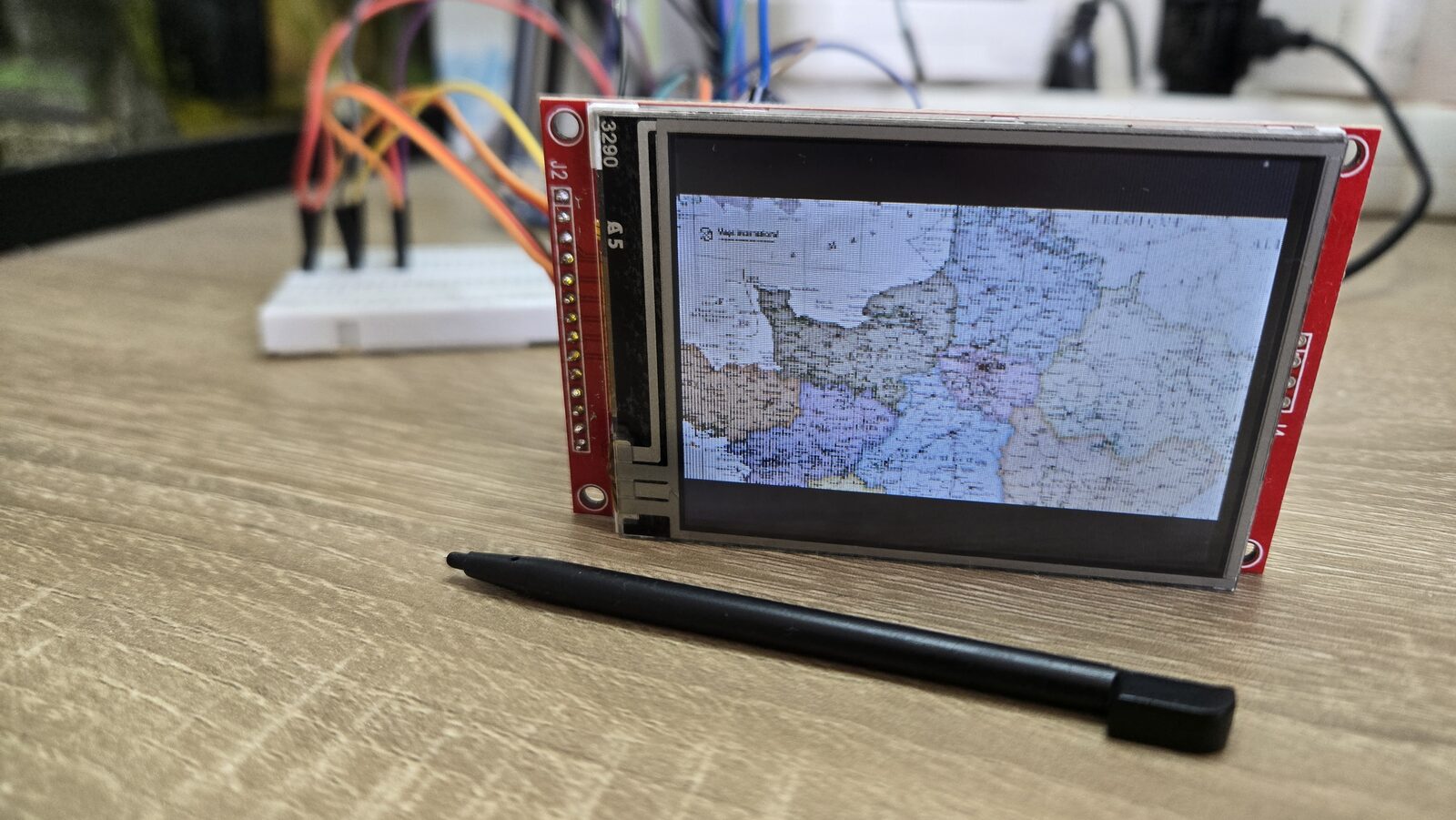
A map, with a lot of small details. 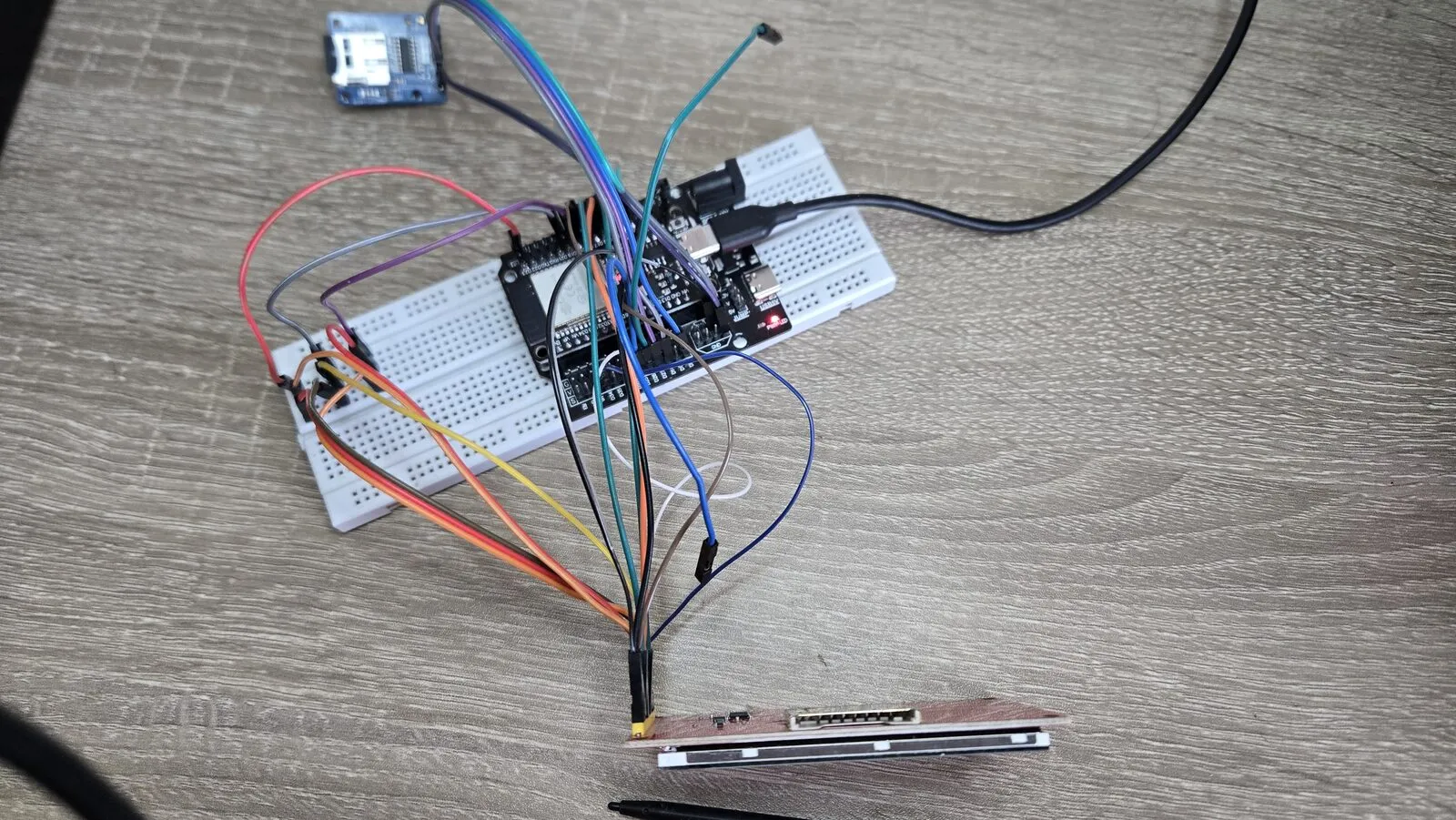
Everything on a breadboard with jumper wires.