ESP32 won't boot with an SD card on GPIO12
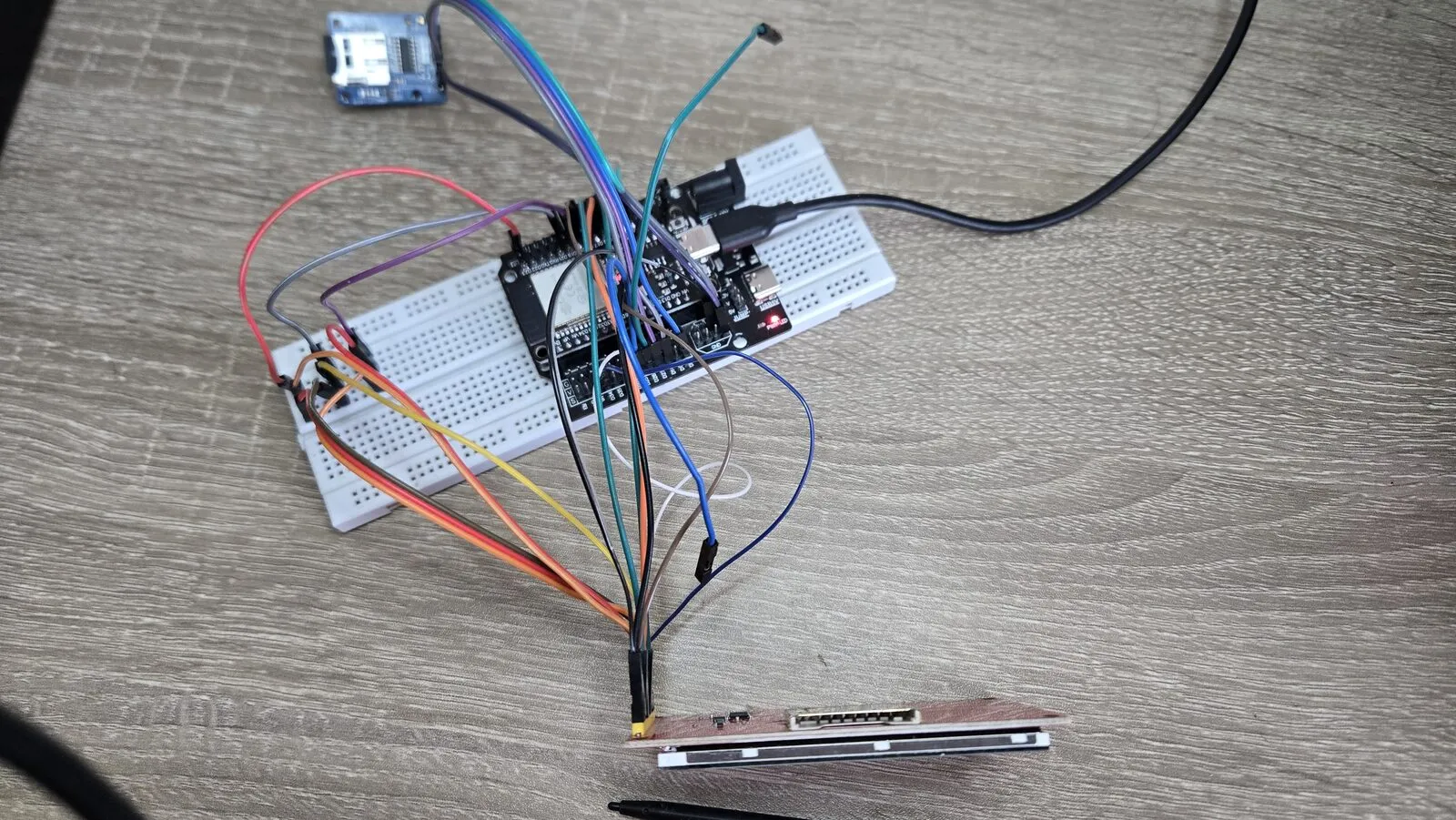
You wire an SD card module to your ESP32 and upload your sketch. Then the board doesn’t start. It resets in a loop, or prints nothing at all. Unplug the SD module and everything works again.
If the module’s MISO wire goes to GPIO12, that’s almost certainly the reason. It isn’t the card or your code. It’s how the ESP32 chooses its flash voltage when it powers on.
The symptom
-
The board resets again and again, or seems dead, but only with the SD module connected.
-
In the serial monitor (115200 baud) the boot messages stop early. Often the last lines look like this.
flash read err, 1000 ets_main.c 371 -
Unplugging only the MISO wire makes it boot again.
Why it happens
GPIO12 is a strapping pin. At power-on and after every reset, the ESP32 reads a few pins once, before your code runs, to decide how to start. GPIO12 sets the voltage of the flash memory, where your program is stored.
| GPIO12 at reset | Flash voltage |
|---|---|
| Low (default) | 3.3 V |
| High | 1.8 V |
The ESP32 has a weak pull-down on GPIO12, so it reads low and picks 3.3 V. That’s right for the common ESP32-WROOM-32 modules.
Many SD card modules have pull-up resistors on their data lines, including MISO, because SD cards need them. Wired to GPIO12, that resistor beats the weak pull-down. The ESP32 reads high, powers the flash with 1.8 V, and can’t read its own program.
It’s an easy trap, because GPIO12 is the default MISO pin of the ESP32’s second SPI bus (HSPI). The default HSPI pins are 14 (SCK), 13 (MOSI), 12 (MISO) and 15 (CS), so many tutorials and pin diagrams put the SD card exactly there.
How I avoided it
For my ESP32 photo viewer I wanted the SD card on HSPI, on its own bus. I kept 14, 13 and 15, and moved only MISO to GPIO27.
#define PIN_SD_SCLK    14
#define PIN_SD_MOSI    13
#define PIN_SD_MISO    27   // not GPIO12, the board won't boot
#define PIN_SD_CS      15
The ESP32 can route SPI to almost any pin, so the Arduino SPIClass just takes the pins you give it.
static SPIClass sdSpi(HSPI);

sdSpi.begin(PIN_SD_SCLK, PIN_SD_MISO, PIN_SD_MOSI, PIN_SD_CS);
SD.begin(PIN_SD_CS, sdSpi, 20000000);
Pins that aren’t the default go through the ESP32’s GPIO matrix. That adds a tiny delay, but an SD card at 20 MHz doesn’t notice.
Three ways to fix it
-
Move the wire to another pin. This is the best fix. GPIO27, 26, 25, 33 or 32 all work for MISO. Change one wire and one number in your code.
-
Fix the flash voltage in the chip. An eFuse can be burned so the ESP32 always uses 3.3 V and ignores GPIO12. After that, GPIO12 is a normal pin. Burning it is permanent, and only safe on modules with 3.3 V flash, like the ESP32-WROOM-32. Some ESP32-WROVER modules use 1.8 V flash, and this would break them. It’s for a board that’s already made and can’t be rewired. Espressif’s esptool includes a command for it. Check the esptool docs for your version, as the command names changed over time.
$ espefuse.py --port /dev/ttyUSB0 set_flash_voltage 3.3V -
Remove the pull-up on MISO from the module. It works, but you then need a pull-up somewhere else, and it’s easy to forget on the next module.
Other strapping pins
GPIO12 isn’t the only one. The ESP32 also reads GPIO0, 2, 5 and 15 at reset.
- GPIO0 and GPIO2 choose between running the program and waiting for an upload. Keep anything that pulls them the wrong way off these pins.
- GPIO15 turns the boot messages on the serial port on or off, and GPIO5 sets a timing for SDIO slave mode. Both are harmless in practice, so I use GPIO15 for the SD card’s CS and GPIO5 for the LCD’s CS.
When a board doesn’t boot, check what is connected to these five pins first.