XPT2046 touch not working - test it without touching
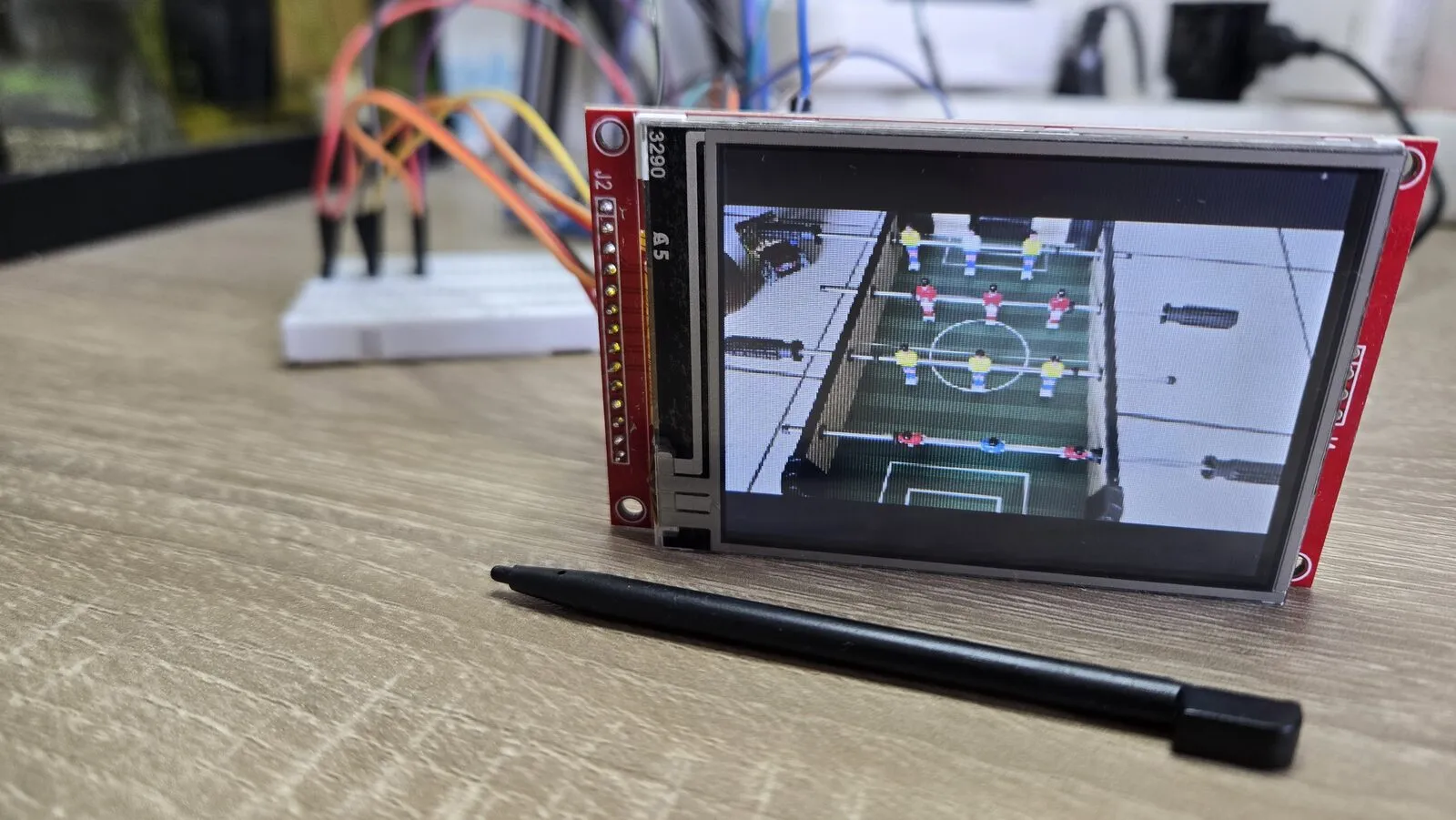
Cheap 3.2” and 2.8” SPI displays often come with a resistive touch layer, read by an XPT2046 chip. When the touch does nothing, the usual advice is to calibrate, change the library or press harder. On my ESP32 photo viewer the calibration screen showed its arrows and nothing happened, however I pressed.
The problem is that touch readings are hard to judge. Wrong numbers can mean bad wiring, bad calibration or a light press. There’s a way to check the chip that doesn’t need a touch at all.
The trick - read its thermometer
Besides the touch inputs, the XPT2046 can measure its own temperature. Command 0x87 starts that measurement and returns the result right away. The value barely changes, so it’s a perfect test signal.
- A steady value means the chip hears your commands and its answers reach the ESP32.
- Random values, 0 or 8191, mean it isn’t answering.
On my module a working chip reads about 830 at room temperature. Yours may differ a little. What matters is that it stays steady.
The test sketch
It only uses the SPI library. The pins are mine, with the touch chip on the same bus as the display. Change them to yours.
#include <SPI.h>

const int PIN_SCK = 18, PIN_MISO = 19, PIN_MOSI = 23;
const int PIN_TOUCH_CS = 33;
const int PIN_LCD_CS = 5;   // keep the display quiet on the shared bus

uint16_t readTemperature() {
  SPI.beginTransaction(SPISettings(1000000, MSBFIRST, SPI_MODE0));
  digitalWrite(PIN_TOUCH_CS, LOW);
  SPI.transfer(0x87);                       // start bit, temperature input, reference on
  uint16_t raw = SPI.transfer16(0x0000) >> 3;   // 12-bit result
  digitalWrite(PIN_TOUCH_CS, HIGH);
  SPI.endTransaction();
  return raw;
}

void setup() {
  Serial.begin(115200);
  pinMode(PIN_LCD_CS, OUTPUT);   digitalWrite(PIN_LCD_CS, HIGH);
  pinMode(PIN_TOUCH_CS, OUTPUT); digitalWrite(PIN_TOUCH_CS, HIGH);
  SPI.begin(PIN_SCK, PIN_MISO, PIN_MOSI);
}

void loop() {
  Serial.println(readTemperature());
  delay(500);
}
The result is 12 bits, so a real reading is at most 4095. A value of 8191 means every bit came back as 1. Nothing drives the line, and it simply floats high.
What the numbers tell you
| Serial output | Meaning |
|---|---|
| A steady value (about 830 on mine) | The chip works. The problem is calibration, the IRQ pin or the library |
| Always 0 | MISO is held low, often by another chip on the bus |
| Always 8191 | Nobody answers. Check T_CS, T_CLK and T_DO |
| Jumping around | A loose contact |
In my case the chip didn’t answer, and the cause was two crossed wires. To be sure, swap MOSI and MISO in software and run the test again.
SPI.begin(PIN_SCK, PIN_MOSI, PIN_MISO); // MISO and MOSI swapped, for the test only
If the chip now answers with a steady value, T_DIN and T_DO are crossed in the wiring. On a shared bus, ESP32 pin 23 (MOSI) must go to both LCD SDI and T_DIN, and pin 19 (MISO) to both LCD SDO and T_DO. On a breadboard, moving a wire to another hole of the same row changes nothing, because the whole row is connected.
If the chip answers but touch still fails
- The IRQ pin (T_IRQ) goes low while the screen is pressed. Many libraries skip the reading while it’s high, so a wrong IRQ pin looks exactly like a dead touch. Check it in your library’s settings.
- On some modules the display’s SDO pin doesn’t let go of MISO, and spoils the touch readings. Disconnect the LCD’s SDO. Many display libraries never need to read from the display.
- Then calibrate. The raw values only become screen coordinates after calibration.
Links
- ADS7846 datasheet, Texas Instruments. The XPT2046 is a clone of this chip, with the same commands.
- LovyanGFX, the display and touch library I use