ILI9341 white screen - find the cause in one minute
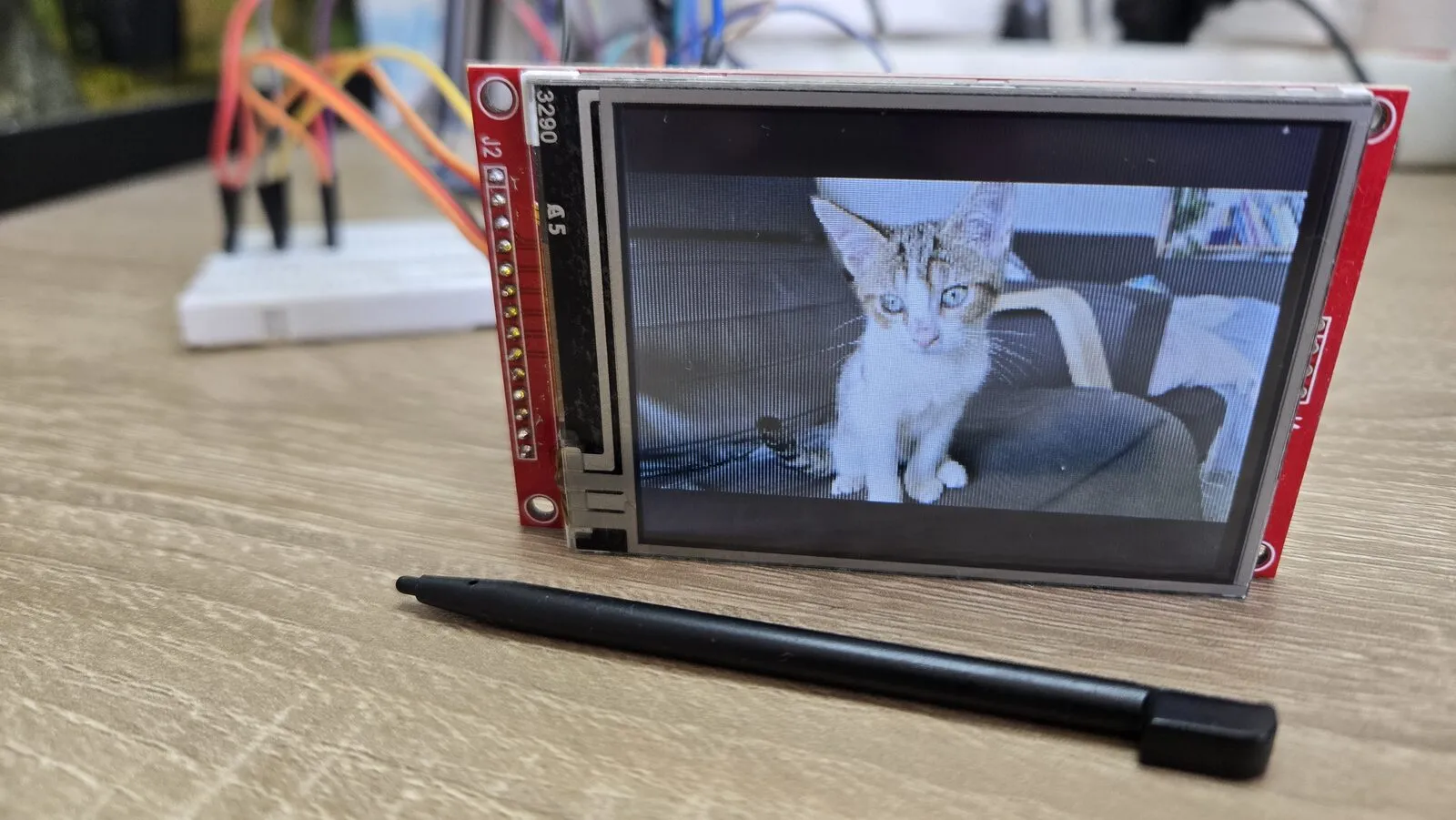
You wire a cheap ILI9341 SPI display to your ESP32, upload a demo, and the screen stays white. No picture, no error, nothing. It happened to me with the 3.2” module of my ESP32 photo viewer.
A white screen tells you something precise. The backlight has power, because white is what the panel shows with the light on and no image. But the ILI9341 controller never got a valid command. So the problem is between the ESP32 and the controller, not in the panel or the graphics code.
Ask the chip for its ID
The ILI9341 can answer as well as listen. Command 0xD3 (Read ID4) makes it send its ID back on MISO. A working controller answers 00 93 41. That one answer tells you whether the link works at all.
This small sketch only uses the SPI library, so it doesn’t depend on any display library or its settings. The pins are mine. Change them to yours.
#include <SPI.h>

const int PIN_SCK = 18, PIN_MISO = 19, PIN_MOSI = 23;
const int PIN_CS = 5, PIN_DC = 16, PIN_RST = 17;
const int PIN_TOUCH_CS = 33;   // keep the touch chip quiet on the shared bus

void setup() {
  Serial.begin(115200);
  pinMode(PIN_TOUCH_CS, OUTPUT); digitalWrite(PIN_TOUCH_CS, HIGH);
  pinMode(PIN_CS, OUTPUT);       digitalWrite(PIN_CS, HIGH);
  pinMode(PIN_DC, OUTPUT);
  pinMode(PIN_RST, OUTPUT);

  // hardware reset
  digitalWrite(PIN_RST, LOW);  delay(20);
  digitalWrite(PIN_RST, HIGH); delay(150);

  SPI.begin(PIN_SCK, PIN_MISO, PIN_MOSI);
  SPI.beginTransaction(SPISettings(1000000, MSBFIRST, SPI_MODE0));   // slow on purpose
  digitalWrite(PIN_CS, LOW);
  digitalWrite(PIN_DC, LOW);  SPI.transfer(0xD3);   // command: Read ID4
  digitalWrite(PIN_DC, HIGH);
  uint8_t id[4];
  for (uint8_t& b : id) b = SPI.transfer(0x00);     // the first byte is a dummy
  digitalWrite(PIN_CS, HIGH);
  SPI.endTransaction();

  Serial.printf("ILI9341 ID: %02X %02X %02X\n", id[1], id[2], id[3]);
}

void loop() {}
It runs at 1 MHz on purpose. Reading from the ILI9341 has a lower speed limit than writing to it, and a slow clock rules out speed as a cause.
What the answer means
| Answer | Meaning | Look at |
|---|---|---|
00 93 41 |
The link works | Your display library’s settings (pins, driver, rotation) |
FF FF FF |
Nobody drives MISO | CS, SCK and MISO wires, and the module’s power |
00 00 00 |
MISO is held low, or the chip isn’t reset | RST and DC wires, and the touch chip’s CS |
| Random values | A loose contact | Reseat every wire and try again |
Mine read FF and 00. The cause was a loose jumper wire. Pressing every wire back into the breadboard fixed it.
If the ID is right but the screen is still white, the wiring is fine and the library is set up for a different pin or chip. Check that its pins, its driver (ILI9341, not ST7789) and its SPI host match your wiring.
Other things to check
- Power. On an ESP32, wire the module’s VCC to 3.3 V. Some modules have a jumper (often J1) that bypasses their regulator. Never close it with VCC on 5 V.
- Shared bus. If the touch chip (XPT2046) shares SCK, MOSI and MISO, its CS must stay high while you talk to the display. Otherwise both chips answer at once.
- Wrong colours, but a picture. That’s not wiring. Toggle the colour order (RGB/BGR) or the “invert” setting in your library.